What to Look for in Educational Video Ideas for Young Children
Finding the right educational video ideas for preschool classrooms and homeschoolers can feel overwhelming. There is a lot of content out there, but not all of it holds a child's attention or teaches effectively. The key is to think about what makes a video truly useful for young learners, not just entertaining. This means considering the pacing, the visuals, the language, and how the content connects to what children already know or are ready to learn.
When you start brainstorming, keep in mind that children aged three to five learn best through repetition, simple narratives, and clear visual cues. A good video should feel like a conversation, not a lecture. It should invite children to respond, guess what comes next, or sing along. The best ideas often come from everyday experiences: a trip to the grocery store, a rainy afternoon, or a game of hide-and-seek. These familiar settings make abstract concepts easier to grasp.
One of the most promising tools for creating this kind of content is Fluxnote AI educational videos for kids. It can help turn simple story ideas into animated, narrated videos that include captions and music. This makes it easier to produce material that feels polished without needing a full animation studio. But the tool is only as good as the idea behind it. So let's look at what makes a video idea work well for preschoolers and homeschoolers.
Start with a Clear Learning Goal
Every video should have one main thing it wants to teach. It might be a letter sound, a number, a color, a shape, or a social skill like sharing. When the goal is clear, the video can stay focused. Children get confused if a video jumps between topics. For example, a video about the letter B should show words that start with B, not mix in numbers or unrelated animals. Keep it simple. One idea per video is enough.
Use Repetition and Rhythm
Preschoolers love repetition. It helps them feel confident because they know what comes next. A video that repeats a phrase or a song several times will be more memorable than one that rushes through new information. Rhymes and simple rhythms also aid memory. Nursery rhymes are classic for a reason: they stick. When you plan a video, think about how you can repeat key words or actions in a natural way. A chorus that children can join in on works well.
Include Visual Cues and Captions
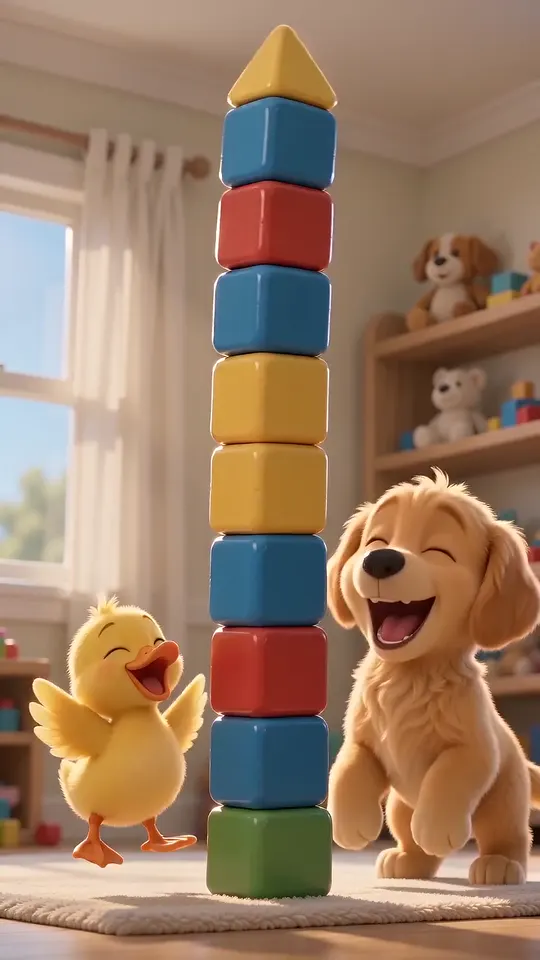
Young children are still learning to process spoken language. Visuals help them follow along. Bright, simple cartoons with clear outlines work better than complex scenes with too many details. Captions are also very useful, even for pre-readers. Seeing the text while hearing it spoken helps build early literacy connections. This is where a tool like Fluxnote shines, because it can generate captions automatically. When you design a video idea, plan for on-screen text that matches the spoken words.
Keep Videos Short
Attention spans at this age are short. A video that runs longer than five or six minutes will likely lose its audience. The ideal length is between two and four minutes. That may not sound like much, but it is enough to introduce a concept, practice it a few times, and wrap up with a quick recap. Longer topics can be broken into a series of short videos. This also gives children a sense of accomplishment when they finish one.
Incorporate Movement and Response
The best educational videos for kids do not just show something; they ask the child to do something. This could be clapping, stomping, pointing, or saying a word out loud. Ideas that include a simple instruction like "Can you point to the red car?" turn passive watching into active learning. When you plan a video, include moments where the screen pauses or a character asks a question. Even a few seconds of silence gives a child time to think or respond.
Another effective technique is to show a problem and then solve it together. For example, a character might lose a toy and ask for help finding it. The child can search the screen and point to where the toy is hiding. This makes the video feel more like a game than a lesson.
Match the Content to Real-Life Experiences
Children learn best when they can connect new information to something they already know. A video about farm animals will make more sense if a child has seen a picture of a farm or visited one. If you are creating videos for homeschoolers, you can tie them to recent activities, like a trip to the park or a baking session. For preschool classrooms, think about the current theme of the week. If the class is learning about weather, a video about rain and sunshine will fit naturally. This connection helps children remember and apply what they learn.
Consider Language and Vocabulary
The language in the video should be clear and slightly slower than normal conversation. New words should be introduced one at a time and repeated. Avoid using too many unfamiliar terms in a single video. If you introduce the word "enormous," show a very big animal or object and say the word several times. Then use it in a sentence. This builds vocabulary without overwhelming the child. For bilingual or language-learning videos, the same principle applies: keep the new language simple and supported by visuals.
Test the Idea with a Real Child
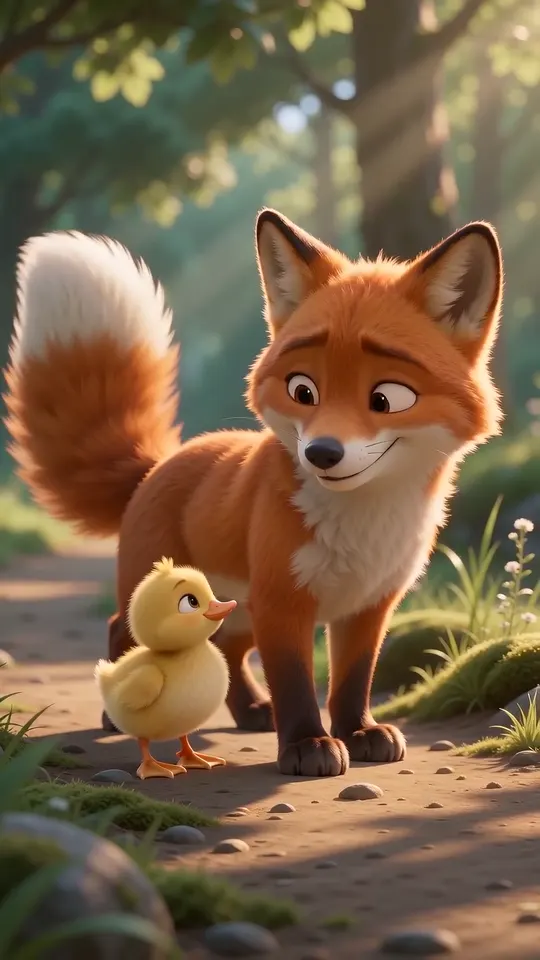
Before you commit to producing a full video, try the idea out with a child you know. Read the script out loud or show a rough storyboard. Watch their face. Do they look confused? Do they smile at the funny part? Do they try to repeat the key word? This feedback is gold. It tells you if the pacing is right and if the concept makes sense. You can adjust the idea before you spend time creating the final video. This is a step that many people skip, but it makes a huge difference.
For homeschoolers, the child is often the audience, so their reaction is immediate. For preschool teachers, you might test the idea with a small group before showing it to the whole class. The goal is to see if the video holds attention and leads to the learning outcome you wanted.
Think About the Soundtrack and Sound Effects
Music and sound effects can make a video feel alive. But they can also be distracting if they are too loud or too busy. For young children, simple, cheerful background music works best. Sound effects should match the action, like a "pop" when a bubble appears or a "clap" when a character celebrates. Avoid sudden loud noises that might startle a child. The sound should support the learning, not compete with it. When you plan a video, list the sounds you want and where they go. This helps keep the audio clean.
Keep the Tone Warm and Encouraging
The narrator or main character should sound friendly and patient. A stern or fast voice can make children anxious. The tone should be one of encouragement, even when the character makes a mistake. For example, if a character drops something, they can say "Oops, let me try again." This teaches resilience. Avoid any language that could sound like criticism. The video should feel like a kind teacher is guiding the child through a fun activity.
Fluxnote AI educational videos for kids can help you create this warm tone by choosing from different voice styles and adding gentle background music. But the script you write is what sets the tone. Read your script out loud before you finalize it. Does it sound like you are talking to a friend? If it sounds like a textbook, rewrite it.
Plan for Follow-Up Activities
A video is most effective when it is part of a larger learning experience. After watching, children can color a picture of what they saw, practice the new word, or act out the story. For homeschoolers, this might mean a simple craft or a game. For preschool classrooms, the teacher can ask questions or lead a discussion. When you design a video idea, think about what the child can do after the video ends. This extends the learning and makes the video more than just screen time.
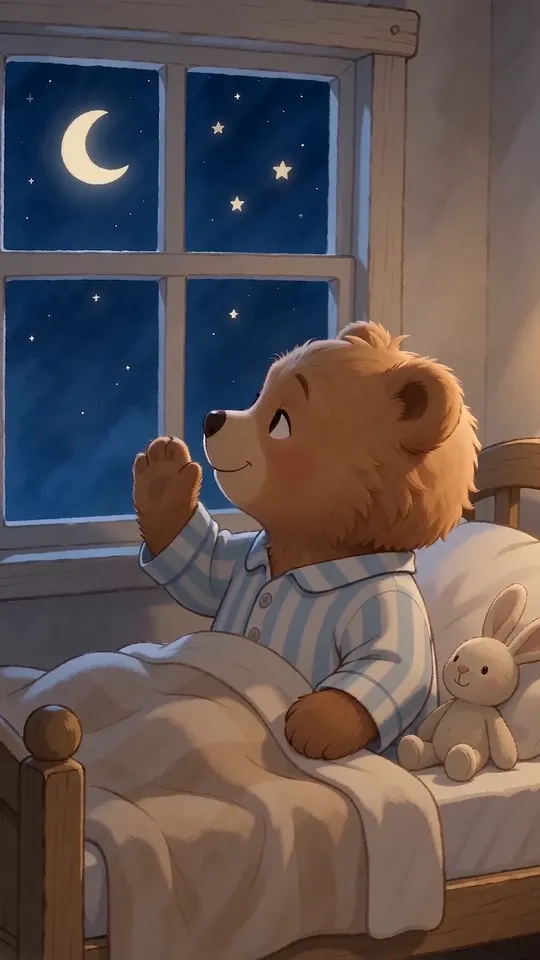
For example, if the video teaches about counting to five, the follow-up could be counting five blocks or five fingers. If it teaches about the color blue, the child can find something blue in the room. These small activities reinforce the video's message and give children a sense of accomplishment.
Creating educational video ideas for young children does not have to be complicated. Focus on one clear goal, keep it short, use repetition, and make it interactive. Test your ideas with real children and adjust based on their reactions. With the right approach, you can create videos that are both fun and genuinely educational. Whether you are a preschool teacher planning a lesson or a homeschool parent looking for fresh content, these principles will help you choose or create videos that work.
Fluxnote on social media
 Twitter
 LinkedIn
 Facebook
 Instagram
 YouTube
 Discord